Grok Build comes first
Universal Pets pairs free Trixie with Grok Build on Windows and keeps each session easy to recognize.
 universalpets.
UNIVERSAL PETS
Free Trixie beside Grok Build on Windows. Know which session needs you, keep every session clear, and return to Grok Build when it is time to respond.
Universal Pets is coming soon. The beta application is the place to follow availability.
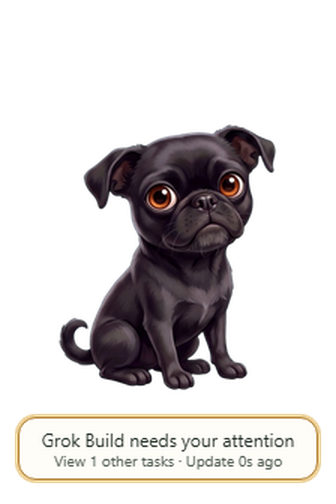
GROK BUILD COMES FIRST · WINDOWS
Trixie keeps Grok Build sessions separate and makes attention easy to spot. Return to the relevant session in Grok Build when it is time to respond.
Approvals and replies stay in Grok Build. Trixie helps you find your way back.
A FEW THINGS Universal Pets DOES WELL
Monitoring leads. A familiar face and optional play make the quiet moments warmer without hiding real work.
Universal Pets pairs free Trixie with Grok Build on Windows and keeps each session easy to recognize.
Trixie brings attention forward. Open Grok Build to review the request and decide what to do.
Find the relevant session in Grok Build when it is time to continue. Approvals and replies stay there.
Place Trixie along any edge of your desktop and keep her nearby while you work.
Keep Trixie or bring a compatible pet identity. Pet imports change the companion’s look; they do not connect another agent.
Pet, toss a ball, take a walk, or let Trixie nap. Play yields as soon as attention reaches the app.
Choose notification behavior, recovery options, update behavior, and reduced motion in the app. Trixie can stay still when you prefer less movement.
NEARBY, OUT OF THE WAY
Dock Trixie to the left, right, top or bottom of your desktop. Keep her within sight while your task has the room it needs.
Click-through keeps work beneath her accessible; menus stay clickable. When attention arrives, it takes priority over play.
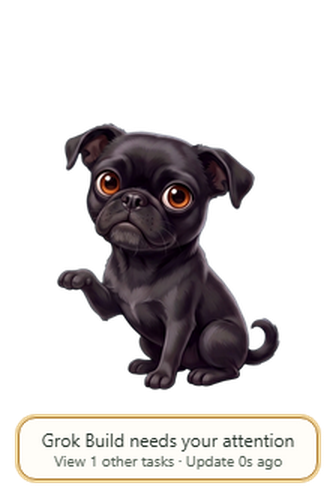
ANDROID COMPANION · COMING SOON
Pair the Android companion with your Windows PC over the same Wi-Fi network: scan a QR code shown on the PC, then choose whether the phone may alert you when attention is needed while the screen is off.
Screen-off alerts are optional after setup and Android permissions. Your PC needs to stay awake and reachable on the same Wi-Fi network.
See setup requirements and common questions →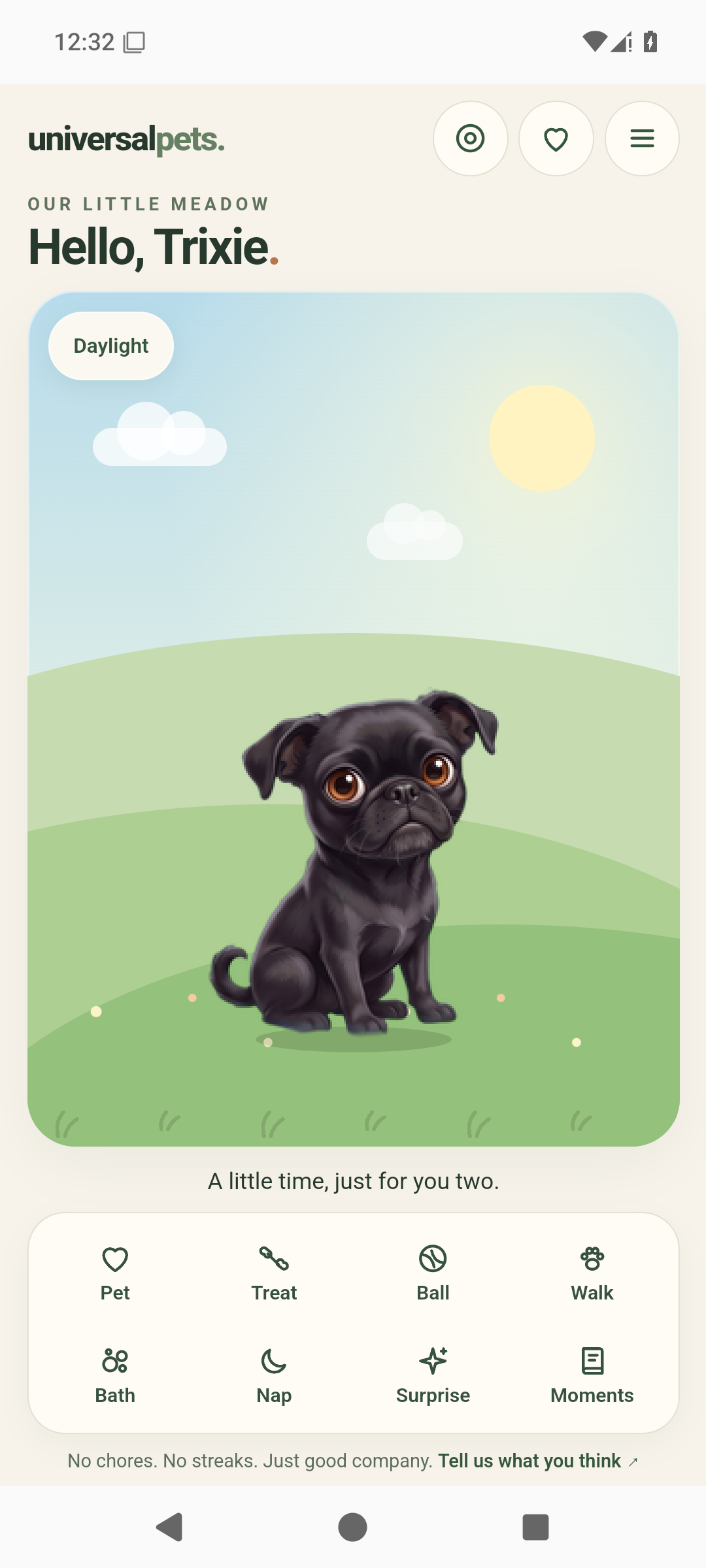
OTHER CONNECTIONS
Separate setup paths are also available for Codex and Claude Code progress, plus supported Gemini and Grok pages in Chrome. Browser connections follow a supported page while it stays open; each connection has its own limits.
See connection details →STATE, NOT CHAT
Universal Pets is designed around source and activity state. It does not need your prompts, transcripts, code, or hidden reasoning to show that work is happening or that you should return to Grok Build.
Read the privacy overview →START WITH TRIXIE
Trixie is the free default companion. Universal Pets is coming soon; apply for the beta to follow the next opening.
Apply for the beta